




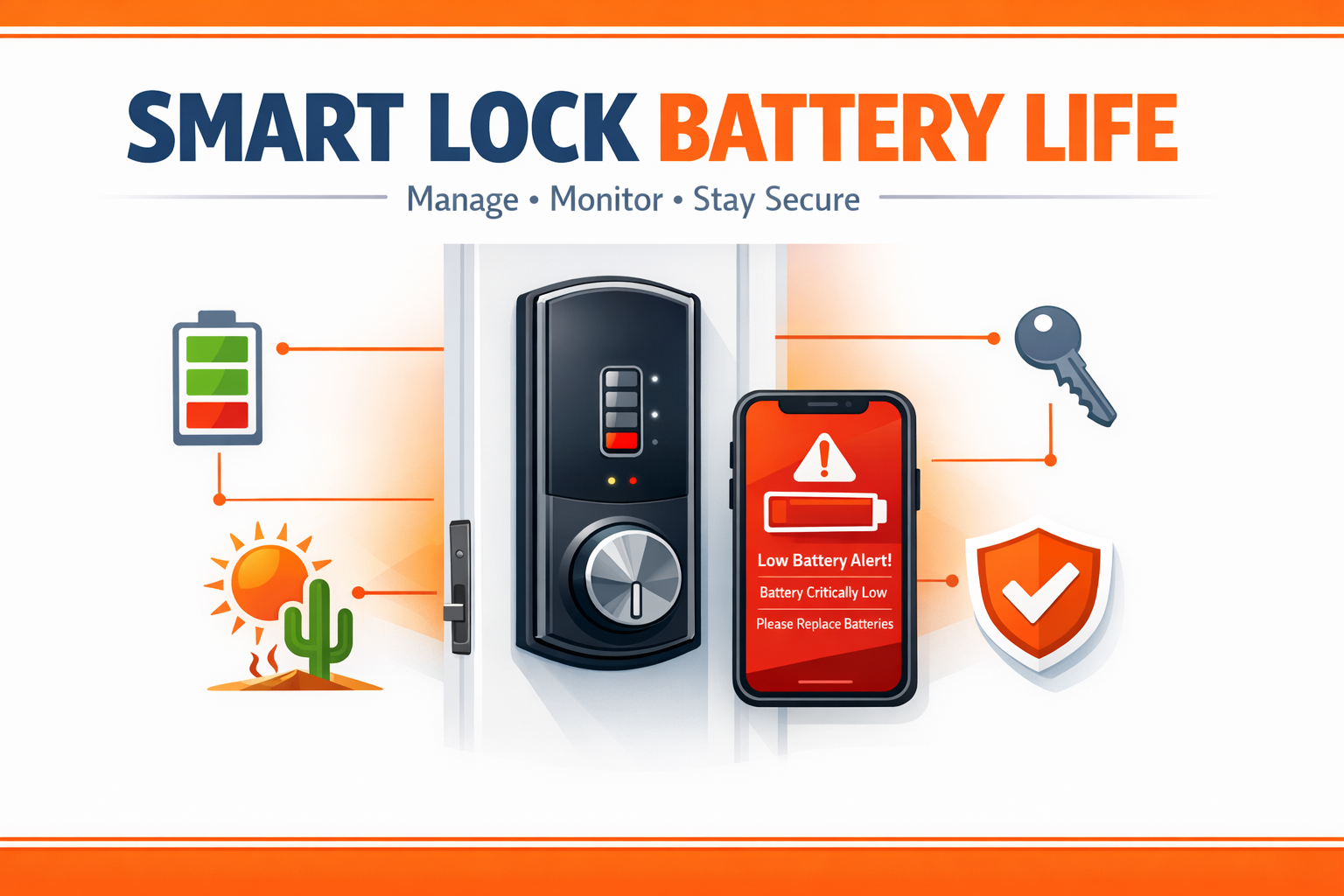
Smart lock battery life comes down to four things: battery chemistry, motor workload, wireless signal strength, and the Arizona heat. Every quality smart lock warns you well before it goes dark. Watch the in-app charge level, respond to low-battery alerts, and keep a manual override ready, and a drained battery never has to lock you out of your own home.
Few things rattle a homeowner like walking up to the door, tapping the keypad, and getting nothing back because the lock has gone silent. A smart deadbolt that loses power at the wrong moment can leave you standing on your own porch, shut out of the house you just left. The encouraging part is that managing smart lock battery life is simple once you understand what drains the cells and how your lock signals trouble before it quits. As a licensed Phoenix locksmith team that installs and services electronic locks across the Valley, we have learned which habits keep a lock powered and which ones leave owners stranded. Read on to learn how to monitor your battery, what shortens its charge, and how to keep your door secure even as the power dips.
What Affects Smart Lock Battery Life
A smart deadbolt is a small computer bolted to your door. It runs a motor that throws the bolt, a radio that talks to your phone or hub, and sensors that wake the lock when you approach. Each of those parts pulls from the same set of batteries, so smart lock battery life is really a story about how hard those components have to work. Understanding the load is the foundation of good residential security, and it explains why two identical locks on two different doors can drain at very different rates.
Battery Chemistry and the Arizona Heat Factor
Most electronic deadbolts run on standard AA cells, and the chemistry you choose matters more than people expect. Plain alkaline batteries are the common default, but they sag under heavy current and lose capacity as the mercury climbs. Lithium AA cells hold a steadier voltage and tolerate high temperatures far better, which is exactly what you want in a Phoenix garage entry or a sun-baked front door. Heat is the quiet enemy here: a lock baking against west-facing stucco works in conditions that punish any battery, and that environment is the single biggest reason Valley homeowners see shorter charge cycles than the package promises. When we handle a smart lock installation, we steer clients toward lithium cells for any opening that catches direct sun.
What Drains the Charge More Quickly
Beyond chemistry, usage patterns set the pace. A lock paired to a distant router strains its radio searching for signal, and that constant reaching drains cells quickly. Auto-lock features that fire on every door close, a stiff bolt fighting a misaligned strike, and Wi-Fi models that stay awake to stream status all pull extra current. A bolt that drags is one of the most common culprits we find, and a quick lock repair and adjustment often restores normal drain. Proper door lock alignment means the motor turns freely instead of straining against the frame.
| Battery / Setup | Performance in Arizona Heat | Low-Battery Warning | Best Use |
|---|---|---|---|
| Standard alkaline AA | Sags in high heat, capacity drops | Gives ample advance warning | Interior or shaded doors |
| Lithium AA | Holds voltage, heat-tolerant | Clear and predictable | Sun-exposed front & garage doors |
| Rechargeable Li-ion pack | Strong, depends on quality | App-monitored charge level | High-traffic smart deadbolts |
| Wi-Fi model (always on) | Heavier radio draw | Frequent app alerts | Homes with a strong nearby router |
| Hub / Z-Wave model | Efficient, low radio draw | Steady in-app readings | Whole-home smart setups |
| 9V jump-start terminal | Backup power only | Emergency wake-up contact | Restoring power to get inside |
How to Monitor Smart Lock Battery Life
Monitoring is where most lockouts get prevented, because a smart lock rarely dies without notice. The trick is knowing where the lock keeps that information and building the habit of glancing at it. Pair attentive monitoring with the right hardware and you turn smart lock battery life from a guessing game into a routine check, the same way you would track any part of your home safety plan.
In-App Battery Readings and Alerts
Nearly every connected deadbolt reports a charge level inside its app, usually as a percentage or a simple full-to-empty bar. Open the app, confirm push notifications are switched on, and let the lock message you when the level drops to its warning threshold. Hub-connected and Wi-Fi locks send these alerts straight to your phone, while models built on the Z-Wave protocol report through a home hub. Treat that first alert as your cue to act, not a reminder to ignore — swap the cells at the warning, not at the failure.
On-Lock Warning Signs
Even without the app, the lock itself talks to you. Many keypads flash a red LED or chirp a distinct tone when the charge runs low, and a motor that sounds sluggish throwing the bolt is a classic late-stage signal. If you ever notice the keypad dimming or the bolt hesitating, replace the batteries before the next exit. These cues are your physical backup to the digital alerts, and together they make a surprise shutdown almost impossible.
Deadbolt Security and Thumbturn Locks When Power Runs Low
Good battery habits protect access, but deadbolt security has to hold even in the rare case the cells run flat. This is where mechanical backups earn their keep. Most quality smart deadbolts keep a physical key override hidden under the keypad or behind the faceplate, so a dead battery becomes a minor inconvenience rather than a true lockout. Keep one of those backup keys off-site or with a trusted neighbor, and consider how our guidance on rekeying versus replacing locks applies if those spares ever go missing — a simple rekey resets control without swapping the hardware.
On the inside, the thumbturn lock lets you exit by hand no matter the battery state, which is a safety feature as much as a convenience. The caution we always raise: a thumbturn within reach of a glass sidelight can be turned from outside if that glass breaks, so pair it with reinforced glazing or a keyed interior cylinder. For the bolt itself, we recommend an ANSI/BHMA Grade 1 deadbolt, certified to the standards published by the Builders Hardware Manufacturers Association, so the mechanical lock stays strong even when the electronics sleep. Many smart deadbolts also carry a 9V terminal on the exterior face; touching a fresh 9V battery to those contacts wakes the keypad long enough to enter your code and get inside. If a worn bolt is part of the problem, our replace deadbolt service restores the mechanical foundation an electronic lock depends on.
A Pro Tip From Our Field Experience
Here is the lesson we share on nearly every electronic-lock service call: do not wait for the lock to tell you twice. The single best habit our seasoned clients adopt is a calendar reminder tied to a season change — say, the start of summer heat — to swap in a fresh set of lithium cells across every smart lock in the house, regardless of the reported level. Heat ages batteries unevenly, and a cell that reads healthy in spring can fade once the Valley bakes. Replacing them on a set rhythm spares you the hassle of a porch lockout, and it keeps every motor turning with full torque. We also tell homeowners to keep the original alkaline cells out of any sun-facing door entirely and reserve them for an interior door lock installation or a low-traffic keyless entry opening where heat is not a factor. One more field note: when you change a battery, that is the perfect moment to test the manual key and confirm the types of door locks on your other doors are still operating smoothly.
Frequently Asked Questions
How can I tell when my smart lock battery is low?
What batteries give the best smart lock battery life in Arizona heat?
Will my smart lock still work as a deadbolt if the battery dies?
Is the thumbturn lock on a smart deadbolt a security risk?
Why does my smart lock battery drain quickly?
Should I have a professional locksmith install my smart lock?
Keeping Your Smart Lock Powered and Your Door Secure
A smart lock rewards a little attention with steady, dependable access — the percentage on your screen is a promise the lock keeps as long as you listen to it. Choosing heat-tolerant cells, watching the in-app reading, and keeping a tested mechanical backup turns the battery from a worry into a non-event. Every door has a different exposure, a different traffic level, and a different frame, which is why our certified technicians evaluate the full opening before recommending a setup. If you found this useful, our overview of residential locksmith services in Arizona shows how electronic hardware fits a complete plan, and homeowners pairing a new lock with a move can review our home lock change and window lock installation options.
When you are ready for a professional installation or a full security audit, our licensed and trained team is here to help across Phoenix and the surrounding Valley. Reach out through our contact page or call (623) 288-0222 to schedule a visit, and find us on our Google Maps listing to see why Valley homeowners trust Budget Locksmith of Arizona to keep their smart locks powered and their doors secure.