

Smart locks for business are steadily replacing the metal-key systems companies leaned on for decades. These keyless commercial locks let an owner grant, monitor, and revoke building access through codes, cards, and mobile credentials — with no copied keys floating around and no guessing about who actually walked through the door.
Every owner knows the uneasy feeling that follows a missing key. A former employee never returned theirs, a manager misplaced the back-door copy, or a vendor was handed one and walked off with it. With traditional hardware, a single loose key can compromise an entire building, and the only honest fix is rekeying every cylinder. Keyless commercial locks remove that weak point by trading cut metal for digital credentials you manage from one dashboard. Below, we explain how these systems work, where they outperform standard hardware, and how to choose the right setup — so keep reading before your next security decision.
Where Traditional Keys Fall Short for Businesses
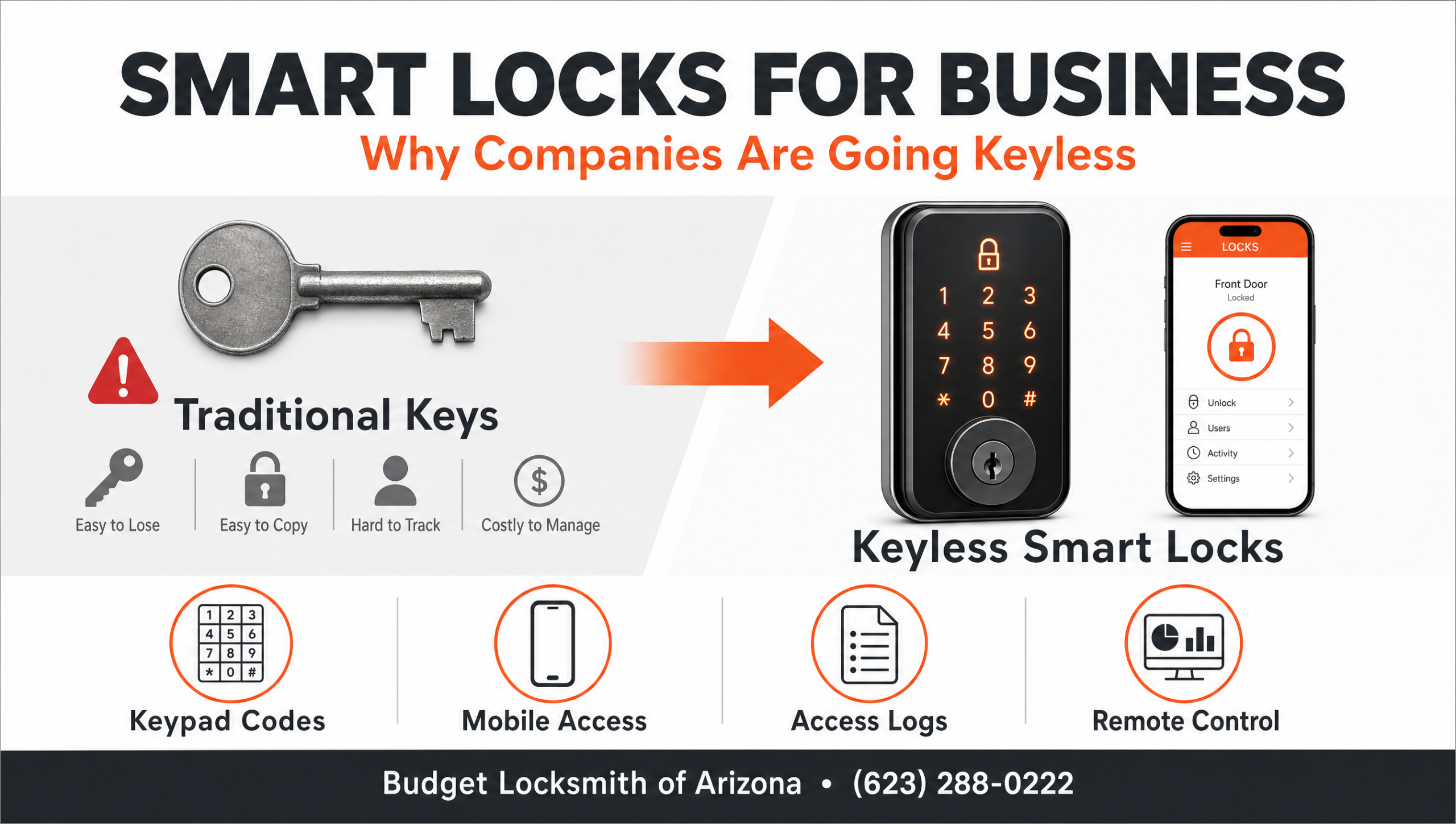
A standard key has no memory. It cannot tell you who opened the supply room, and it cannot be switched off when someone leaves the company. As a business grows, that becomes a real exposure. Owners end up handing out copies, losing track of duplicates, and calling a commercial locksmith in Phoenix to rekey doors after every staffing change. The hardware itself may be solid, yet the management model behind it belongs to another era. The comparison below shows how keyless systems address the gaps that mechanical keys leave wide open.
| Feature | Traditional Keys | Keyless Smart Locks |
|---|---|---|
| Per-door access control | One key opens every door it is cut for | Permissions set per door and per user |
| Lost credential | Rekey the affected locks | Disable the credential from the dashboard |
| Entry records | No record of who entered | Logged audit trail for every opening |
| Temporary access | Hand over a physical copy | Issue a guest code and revoke it on demand |
| Remote management | Not available | Lock and unlock from one login |
| Multi-site oversight | A separate key ring per location | One dashboard across all sites |
| Egress and safety | Manual thumbturn only | Motorized deadbolt with thumbturn override |
| Best fit | Single low-traffic doors | Growing, multi-door businesses |
What “Smart Locks for Business” Really Means
The phrase covers a family of electronic locking devices that verify a credential before they release the bolt. Instead of a pin tumbler reading the cuts on a key, a reader checks a code, a card, a fob, or a phone against a list of approved users. When the credential matches, the lock disengages. When it does not, the door stays shut and the attempt is recorded. Many businesses pair these locks with a full access control system so that every entry point reports to the same software.
Credentials Replace Cut Metal Keys
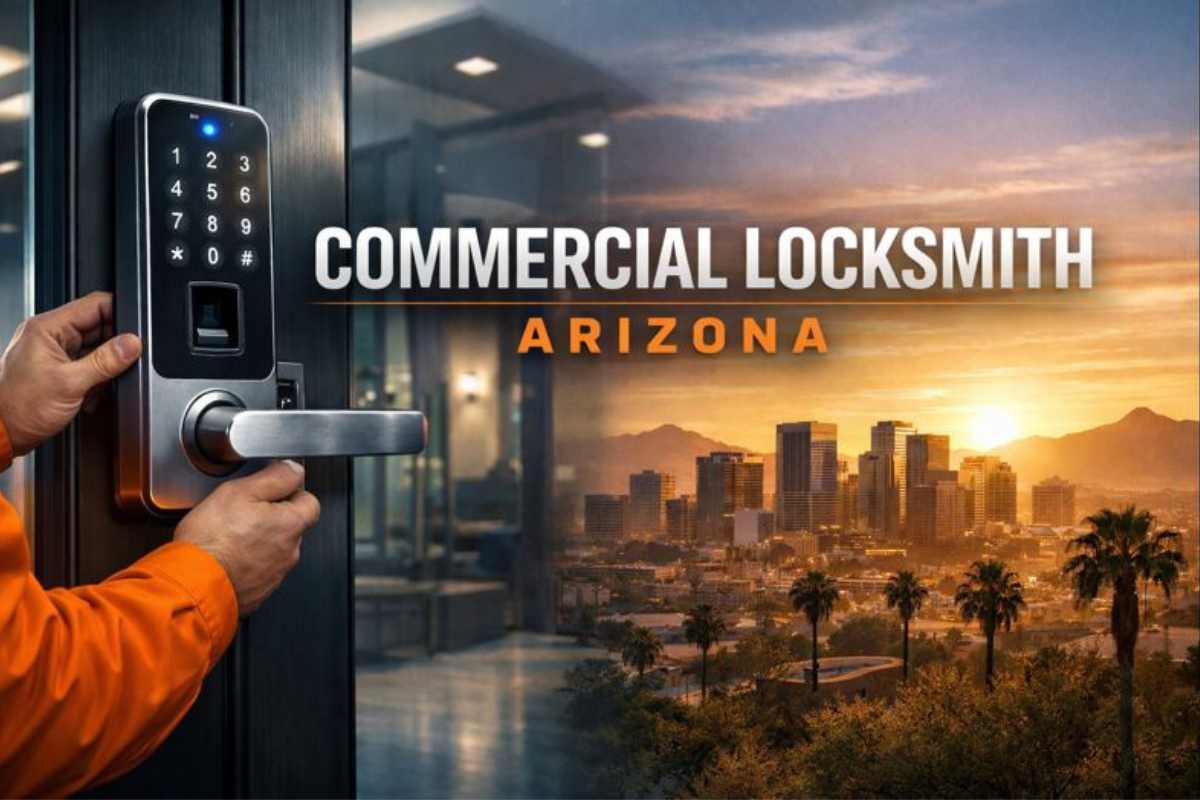
A credential is simply the thing that proves a person is allowed in. Keypad codes suit small teams, proximity cards fit larger staffs, and biometric locks use a fingerprint when an entrance demands stricter control. Because credentials live in software, you assign them to a new hire and remove them from a departing one without touching the door. That single capability is why so many owners now ask a professional locksmith about smart lock installation once they outgrow a handful of physical keys.
The Electronic Deadbolt and Thumbturn
Inside many commercial smart locks sits a familiar component: the deadbolt. A motor throws the same hardened bolt a mechanical lock would, so deadbolt security is not sacrificed for convenience. On the interior side, a manual thumbturn lock lets people exit by simply turning the lever, which keeps the door compliant with egress rules during a power interruption. Pairing a motorized bolt with a thumbturn override is one reason these locks satisfy both security teams and fire inspectors. If you want to understand the broader hardware landscape, our guide to the different types of door locks breaks down where each style belongs.
Why Modern Businesses Are Making the Switch
The strongest argument for keyless hardware is control. An owner can grant a cleaning crew access to one entrance and nowhere else, then narrow that permission to specific days. When a credential is lost, you disable it from the dashboard instead of replacing a cylinder. Every door also keeps an audit trail, so a dispute about who entered the stockroom becomes a simple lookup rather than a standoff.
That visibility extends across multiple sites. A regional manager can oversee several locations from one login, push a new code to a remote branch, and confirm a back door was secured after closing. Pairing smart locks with magnetic lock systems and an electronic strike installation lets you mix glass storefront doors, server rooms, and loading bays under one policy. Many of the same habits that protect a household — limiting who holds a key, knowing every entry point — translate directly from home safety into commercial practice, only with far better record-keeping. For companies still running on brass, a planned security lock upgrade is usually the cleanest path forward.
How to Choose the Right Keyless System
Start with the doors themselves. A glass entrance, a metal fire door, and a wood office door each call for different hardware, and matching the lock to the frame matters more than the brand on the box. Look for devices that meet recognized ANSI/BHMA grading standards, and for access platforms tested against the UL 294 standard for access control equipment. These benchmarks separate commercial-grade units from residential models that will not hold up to heavy traffic.
Next, think about scale. A two-door shop and a multi-floor office have different needs, and a system that cannot grow with you becomes a liability. This is where a master key system or a layered credential plan keeps administration sane. Our team has handled everything from a single keyless entry retrofit to a full building of high-security locks for business, and the pattern holds: the right design depends on the building, not a sales sheet.
Pro Tip from the field: After installing keyless hardware on hundreds of Phoenix doors, the lesson we repeat most is this — set up two administrator accounts, never one. We have watched businesses get locked out of their own dashboard when the sole admin left on bad terms and no one else held the master credential. Create a backup administrator, store recovery codes off-site, and schedule a recurring credential review to purge accounts that no longer belong. It is the simplest insurance a building can have, and it turns a potential office lockout into a non-event.
Frequently Asked Questions
What are smart locks for business?
Are keyless commercial locks secure without a metal key?
What happens to a smart lock during a power outage?
Can I give temporary access to vendors or cleaning crews?
Do smart locks work for multiple locations?
Should I install commercial smart locks myself or hire a professional locksmith?
Securing Your Phoenix Business the Keyless Way
Switching to keyless hardware is less about chasing technology and more about closing the gaps that mechanical keys can never seal. You decide who enters, you see when they do, and you change those rules from a screen instead of a hardware store. If you are weighing a move from brass keys to digital credentials, talk it through with technicians who install these systems for businesses throughout the valley. Explore our full range of commercial security services, see why so many companies trust the team behind Budget Locksmith of Arizona, or reach out to our team to schedule a security audit. You can also find us on our Google Business listing and call (623) 288-0222 to plan a keyless upgrade for your building. When you are ready, a tailored commercial smart lock installation starts with one conversation.